Central to my teaching philosophy is the sincere belief that everyone can learn and everyone deserves to be taught. I employ a wide variety of teaching techniques designed to engage with students where they are, build rapport, and create connections with the content so that learners feel empowered and motivated to continue learning.
Virtual Classes and Events
Cutting the Cord
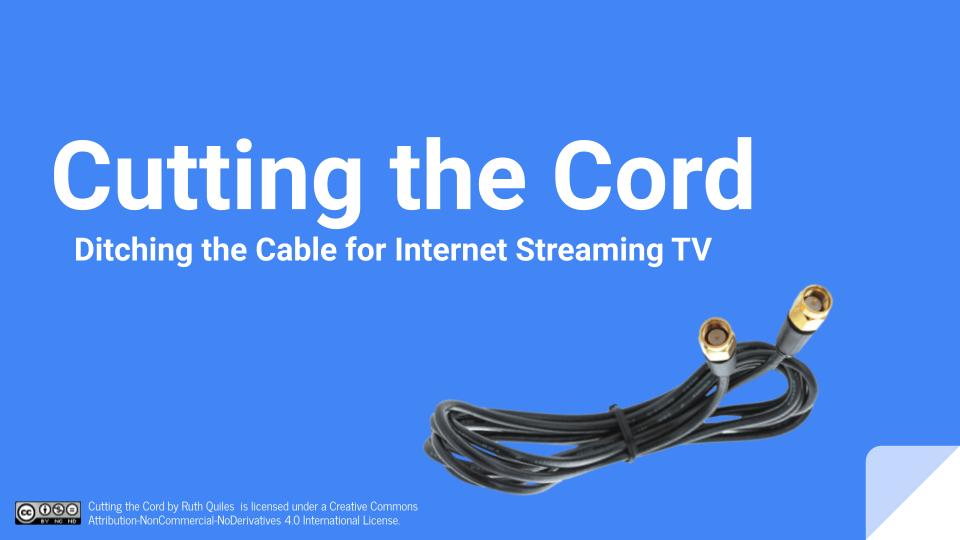
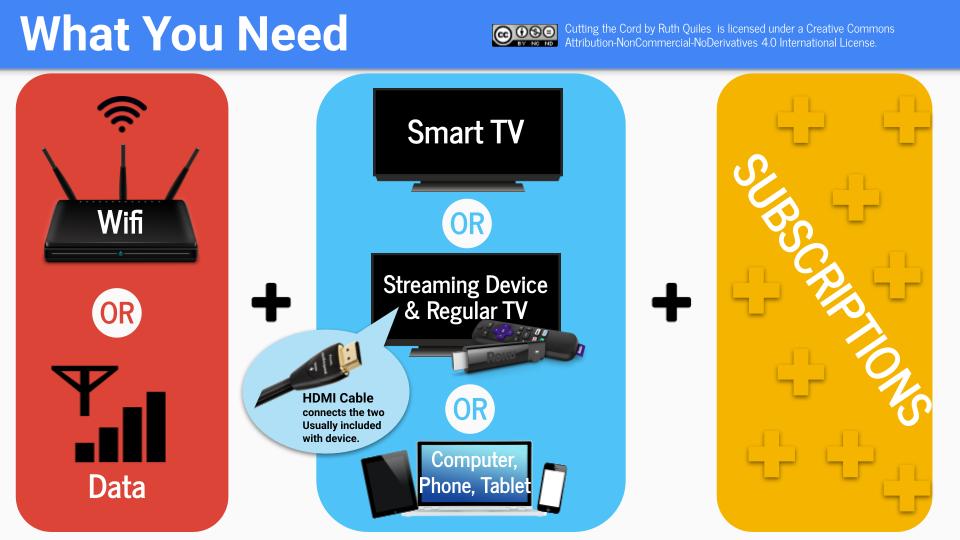
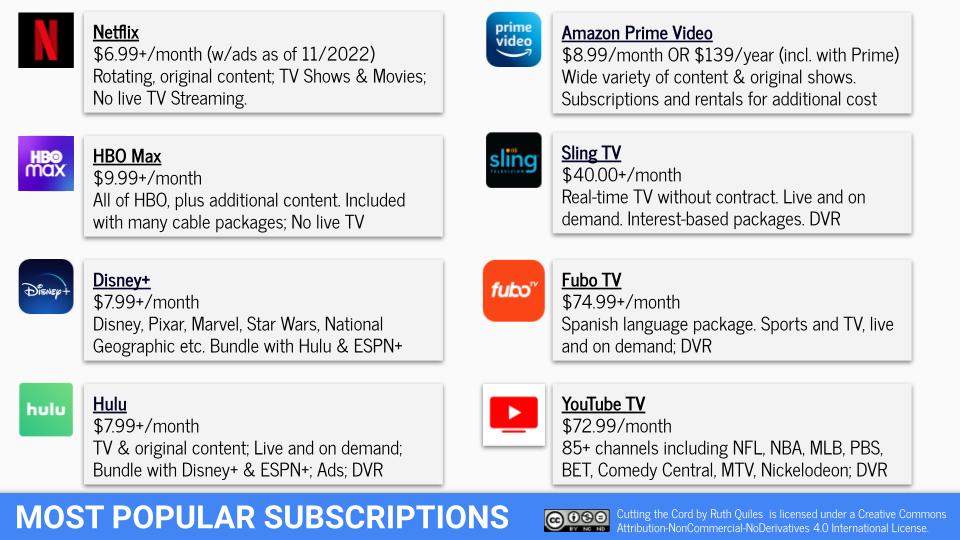
Designed with adult learners in mind, this virtual class informs attendees of the pros and cons of canceling a cable subscription in favor of internet streaming TV. This class is designed for a two-hour session, the first half of which level-sets for knowledge of internet connections, smart TVs, streaming devices, and features of the technology, as well as presents the most popular streaming platforms. The second half of the lesson is reserved for attendee questions and deep dives into the offering of different services. The slideshow serves as a deliverable, containing live links to extra resources for learning more.
Other topics in my virtual adult learning portfolio include:
- Foolproof Password Management
- Tidy Up Your Digital Life
- Introduction to Gmail
- Introduction to iPhones and iPads
- Introduction to Apple Watch
- Paperless Vacation Planning
- Technology and Health
Virtual Open House
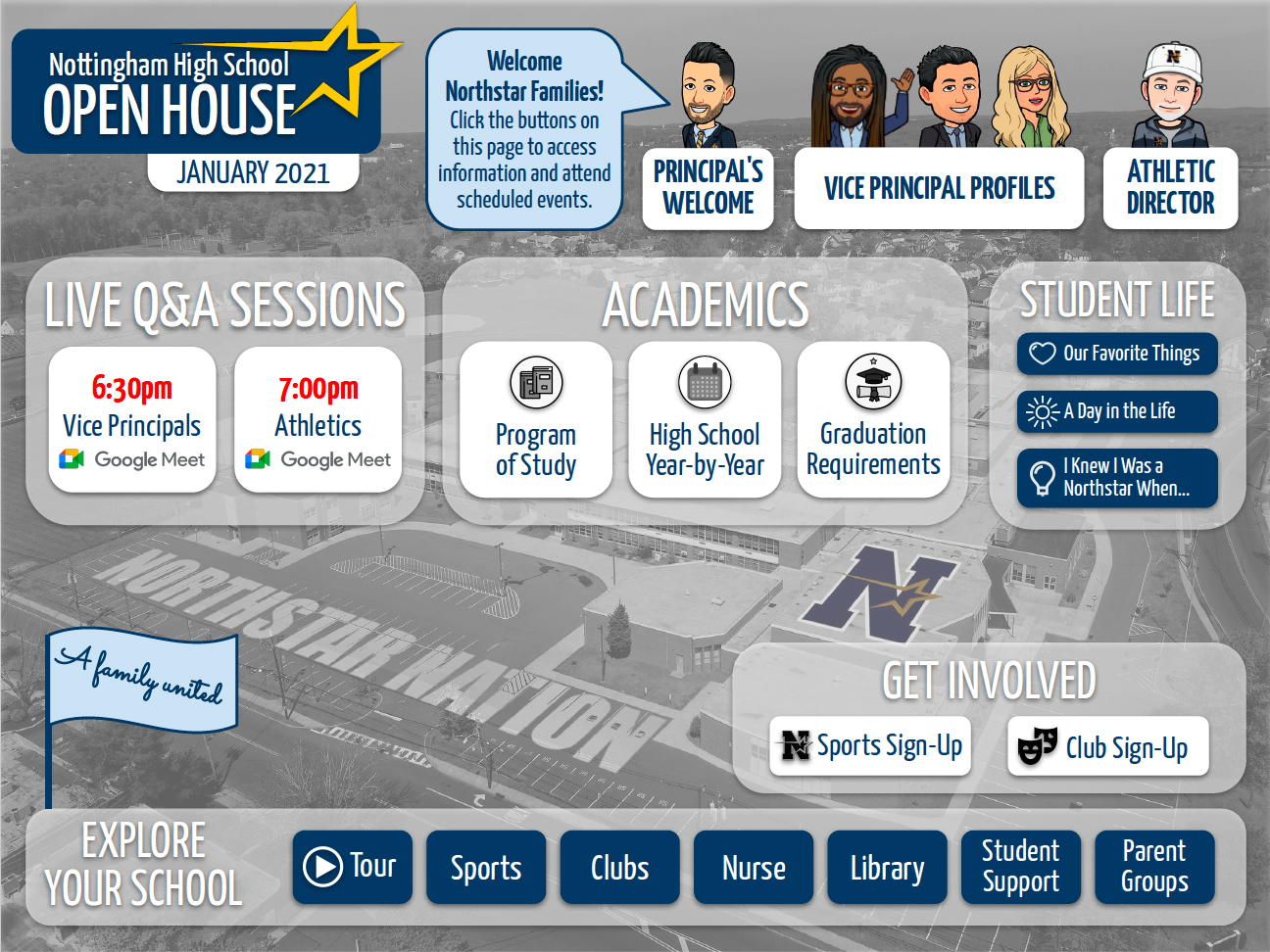
The following image served as an information portal and landing page for a virtual version of a school’s annual open house event. This was developed in response to the need for social distancing during the COVID 19 pandemic. I participated in the event design and facilitation in collaboration with school administration. This interactive tool features clickable buttons that open information, sign-up forms, meeting rooms and promotional videos to help parents and future students learn about their future high school, all created in Google Slides. The event was managed synchronously, with this landing page remaining available after the event as a virtual pamphlet. The graphic design of the image adhere’s to established school branding guidelines and it won a NJSPRA Communication Award in the Marketing, Branding, and Image category the summer of 2021.
Research
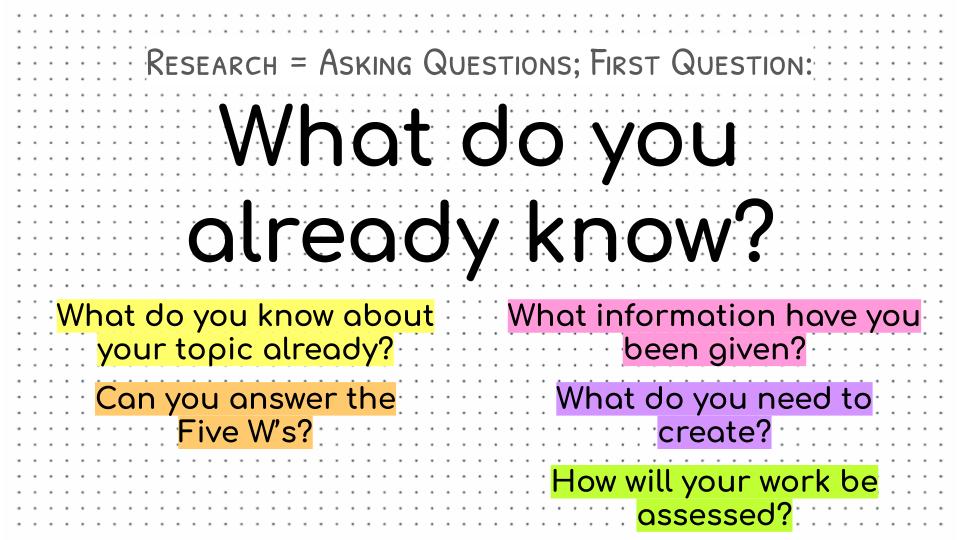
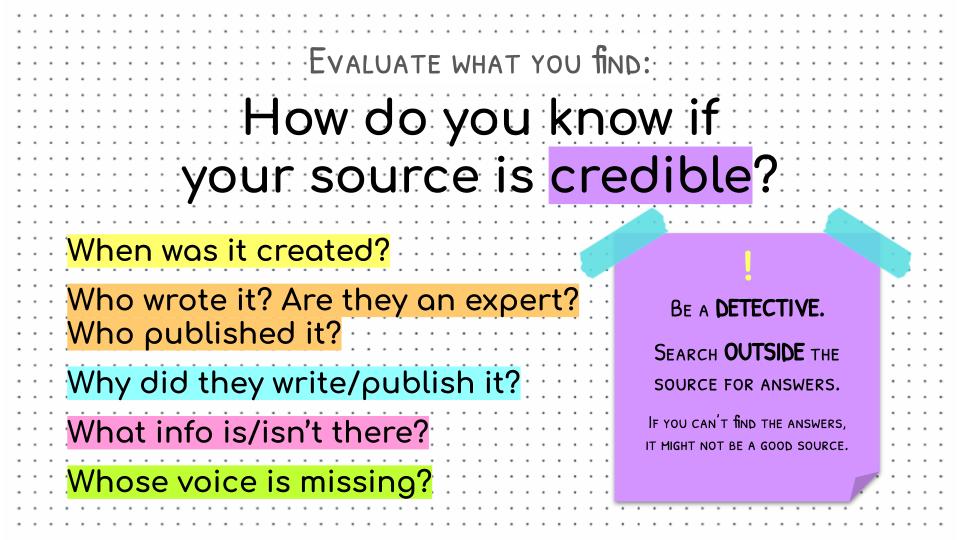
The following gallery contains a selection of slides for my introduction to scholarly research lesson designed for secondary school students. The lesson was designed for a 40-minute period and reviewed the basics of background research, staying organized, asking questions, and discerning what questions remain to be investigation. I designed this slideshow using Google Slides and delivered this lesson more than 20 times with great success.
Orientations
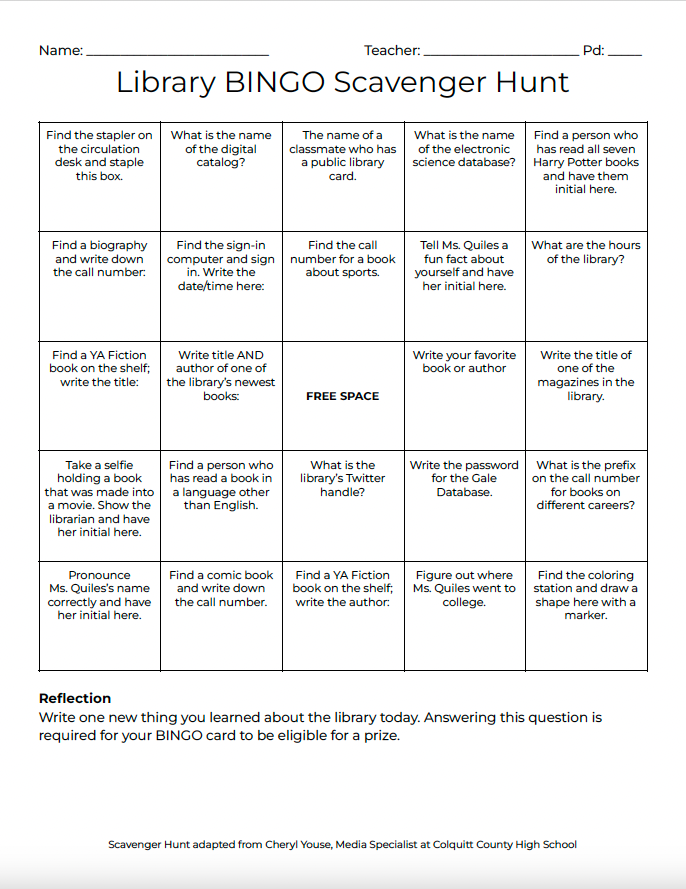
I have designed many orientation programs for libraries and organizations. Rather than rely on a lecture or written pamphlet, I prefer to use experiential learning techniques where appropriate/possible, since genuinely engaging with content or an environment is the best way to gain and retain information. The following deliverable gamifies a library orientation, challenging library users to explore the library’s physical space and digital resources widely in order to complete the tasks in enough squares. The task can be adapted to different learner needs by requiring either single bingo or double bingo. For an extra challenge participants would have the option of completing the whole board. I created a simplified board for English language learners.
Self-Guided Learning Modules
Choosing a Research Topic
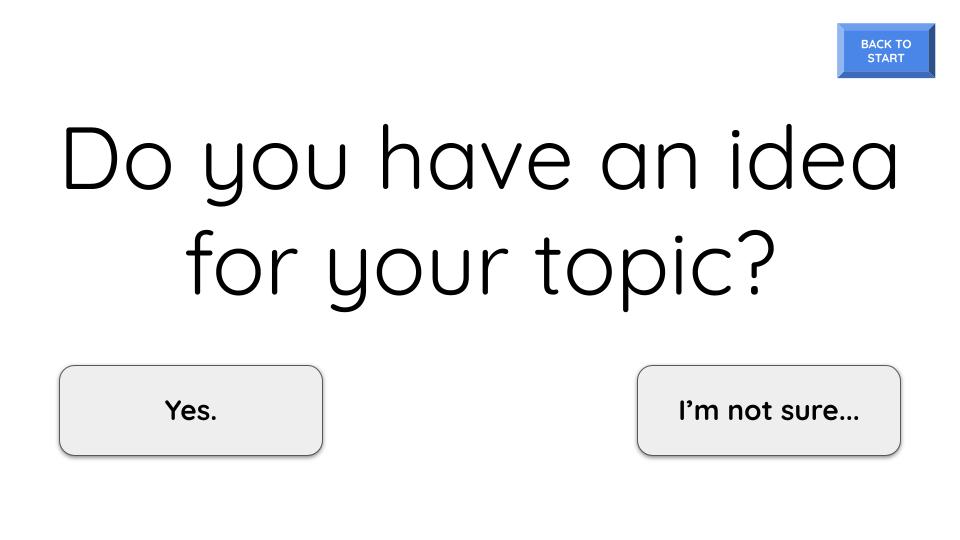
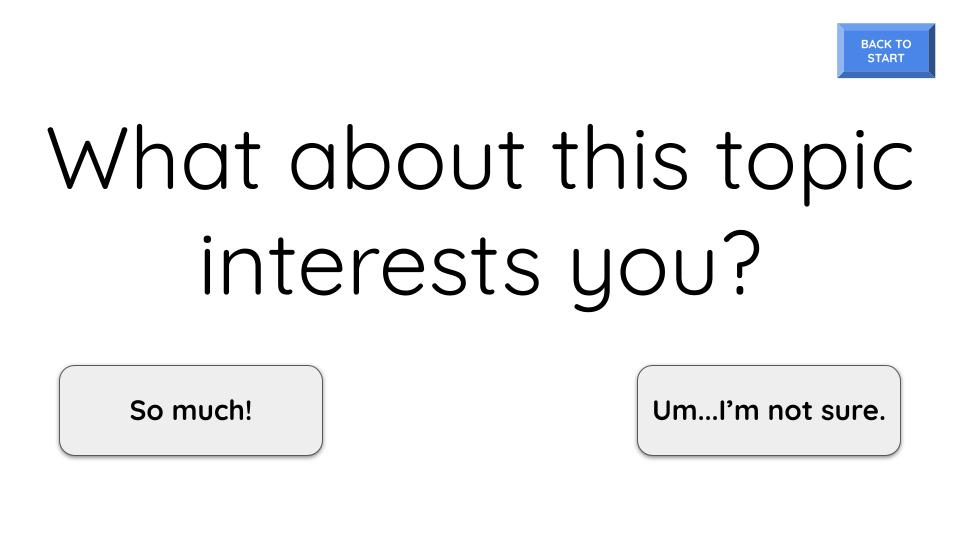
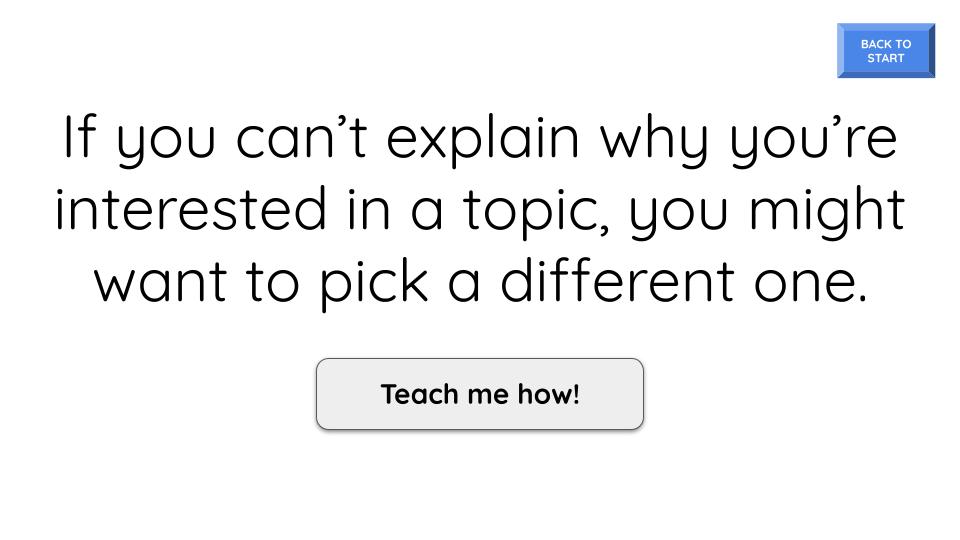
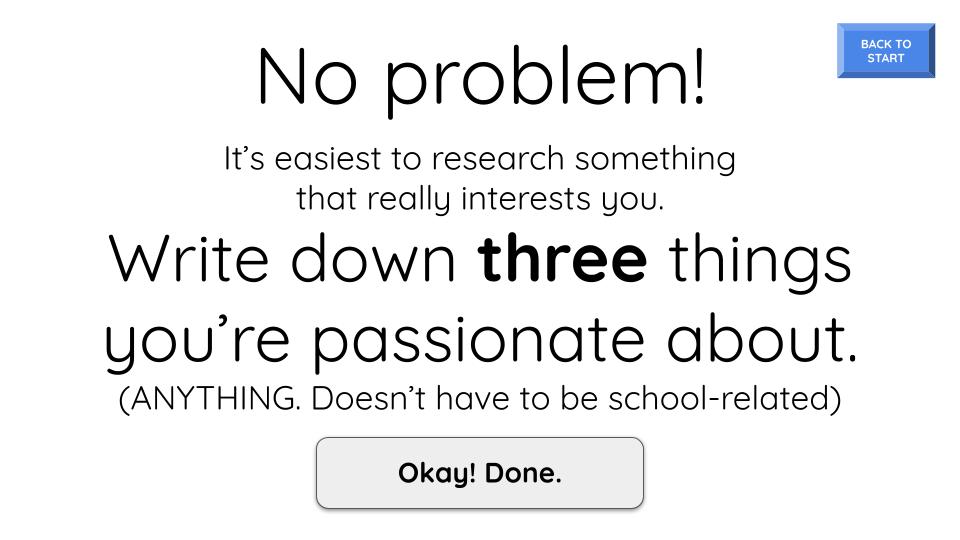
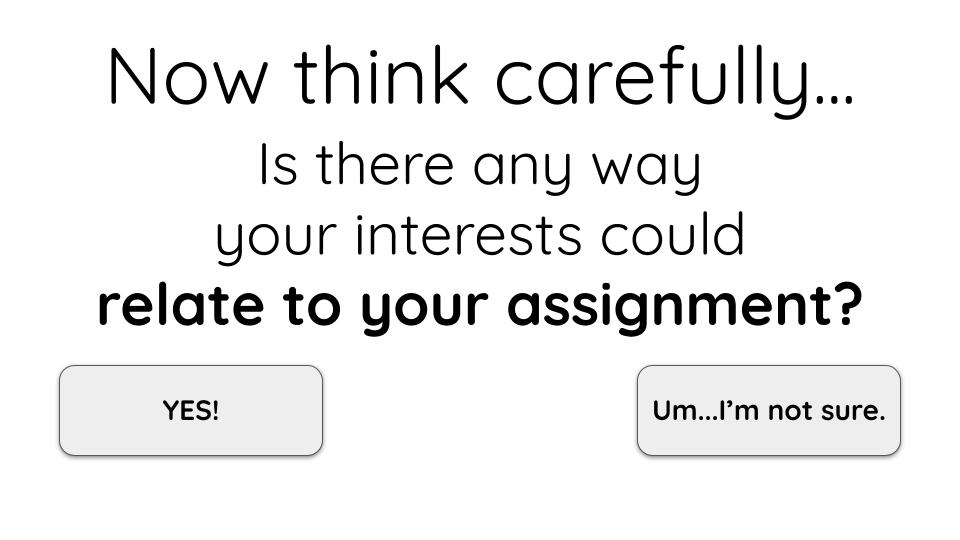
Choosing a topic for research can be one of the most challenging steps of the research process. The following slides are excerpted for a self-guided, choose-your-own-adventure game. Though the interactive element is deactivated here, the buttons on each slide would take students through the process of finding a topic that satisfies their given assignment while also relating to an area of genuine interest to them. I designed this tool, including all interactive elements, with standard tools available through Google Slides.
eReader Virtual Handbook
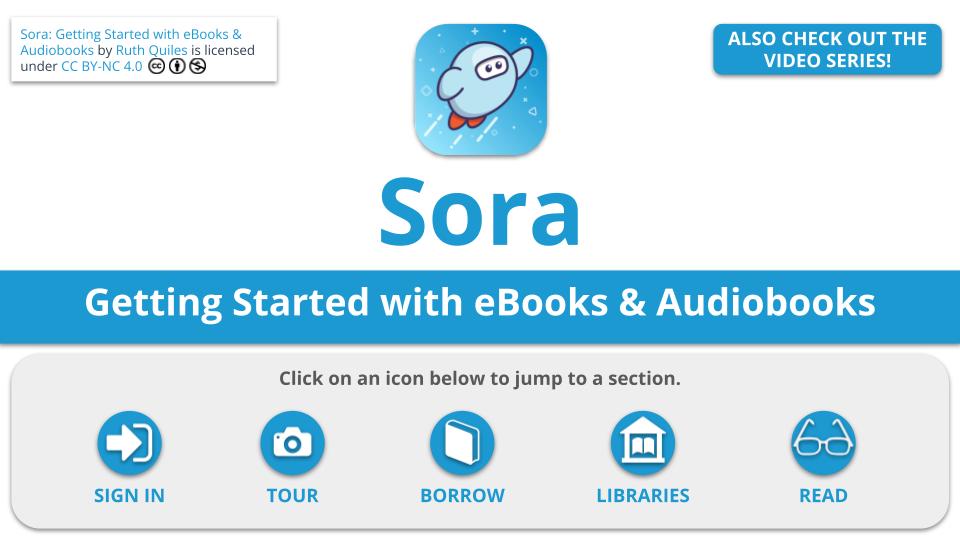
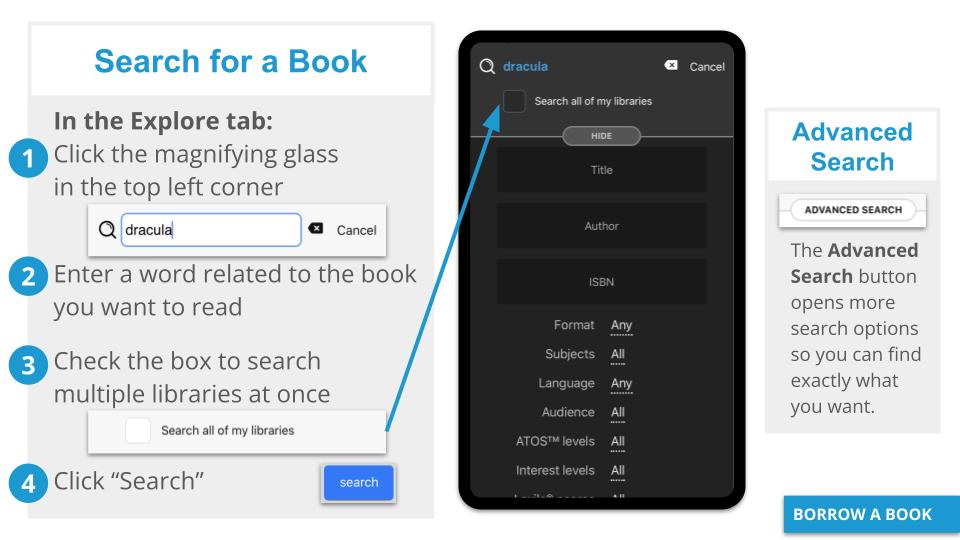
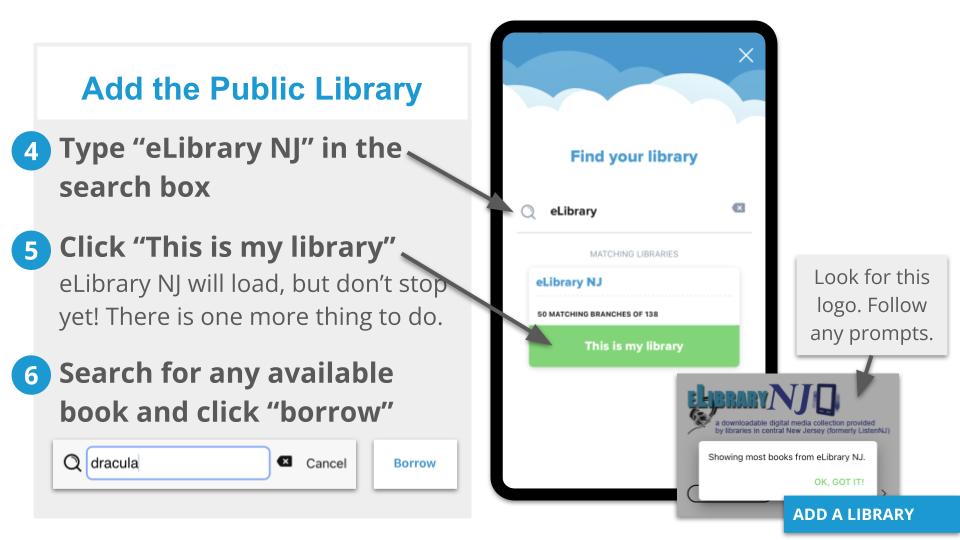
When my library expanded our collection to include ebooks, the tool came with a robust help section. However it became apparent that students and staff needed more guidance that was personalized to our institutions specific configuration. In response to that need, I made an interactive, self-guided, virtual handbook that walks the user through each step of setting up the app, signing in, borrowing/reading a book, and connecting the public library to their app. Excerpts of this tool follow and the written guide was reinforced with a YouTube playlist that provided a live demonstration of all of these steps. I designed this tool, including all interactive elements, with standard tools available through Google Slides and intentionally mirrored the design of the app itself to provide a seamless experience for users.
 Ruth A. Quiles